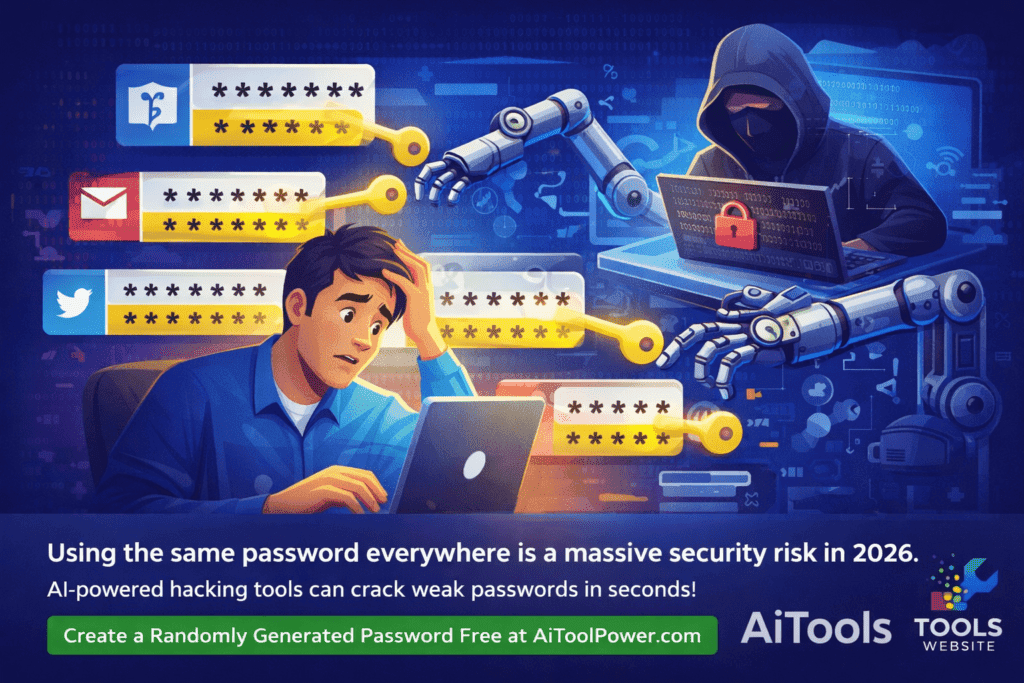
Here is a question that most people are too embarrassed to answer honestly: How many of your online accounts share the same password?
If the answer is more than one — and for most people it is far more than one — you are sitting on a serious security risk without even knowing it. In 2026, with data breaches hitting record numbers and hackers using AI-powered tools to crack passwords faster than ever, using weak or repeated passwords is one of the most dangerous digital habits you can have.
The good news? Creating a strong, unique password for every account takes exactly five seconds — if you use the right tool.
In this guide, we will explain exactly what makes a password strong, why your current passwords are probably not safe, and how you can use the completely free Password Generator at AiToolPower.com to protect yourself starting right now.
The Password Problem in 2026
Cybersecurity researchers analyze millions of leaked passwords every year, and the results are always the same. The most common passwords in 2026 still include obvious choices like “123456”, “password”, “qwerty”, and “123456789”. These passwords can be cracked by a modern computer in less than one second.
But even passwords that feel clever — like “Summer2024!” or “Pakistan@123” — are not as safe as you think. Modern cracking software uses dictionaries of common words, predictable number patterns, and known substitutions (like “@” for “a” or “3” for “e”) to guess millions of combinations per second.
The real danger, however, is password reuse.
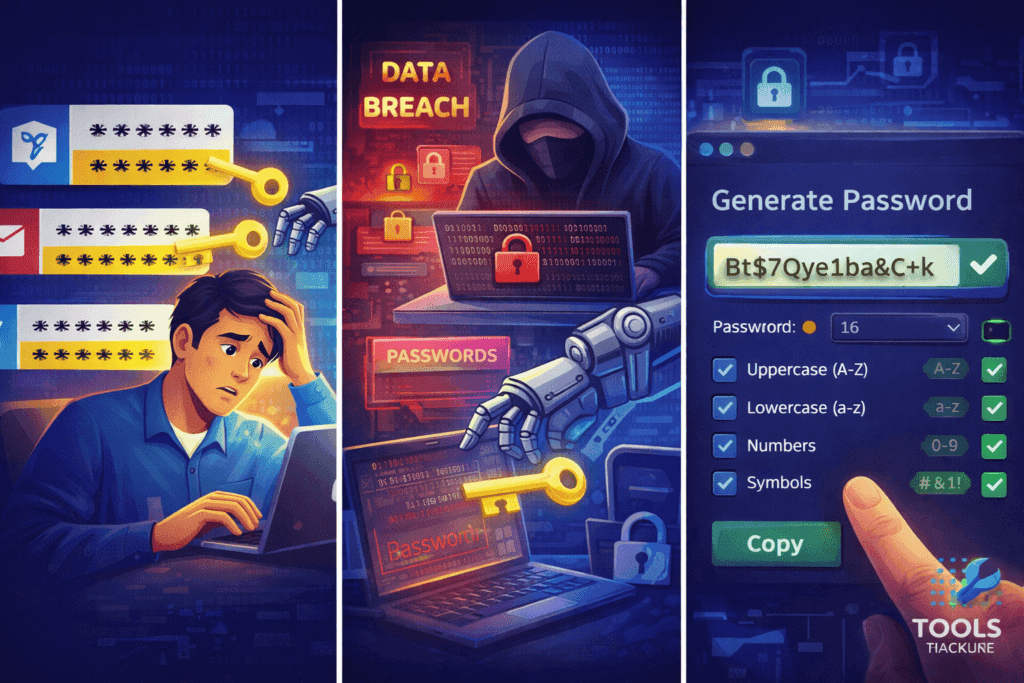
When a website you signed up for three years ago gets hacked — and this happens to major websites all the time — your email and password combination gets sold on the dark web. Hackers then automatically try that same combination on banking sites, email accounts, and social media. This attack is called “credential stuffing” and it is responsible for the majority of account takeovers today.
The solution is simple: use a different, strong, randomly generated password for every single account.
What Makes a Password Truly Strong?
A strong password in 2026 must have all of the following characteristics:
Length of at least 12 characters — ideally 16 or more Every extra character you add to a password multiplies the number of possible combinations exponentially. A 6-character password can be cracked in seconds. A 16-character password with mixed characters would take billions of years to crack by brute force.
Mix of uppercase and lowercase letters Using both “A-Z” and “a-z” doubles the possible character combinations at each position. Never use all caps or all lowercase.
Numbers included throughout the password Not just at the end — scattered throughout the password. “P4ssw0rd” is not good because it is predictable. “K9mP2xQr” is much better.
Special symbols and punctuation Characters like !, @, #, $, %, ^, &, * dramatically increase password strength. Including even one or two symbols makes brute-force cracking exponentially harder.
No dictionary words, names, dates, or predictable patterns Do not use your name, your birth year, your city, your favorite team, or any word from any language. Hackers use dictionary attacks that try every word in every language, including common misspellings and substitutions.
Completely random — not made up by you Humans are terrible at generating true randomness. We gravitate toward patterns without realizing it. A computer-generated random password is always stronger than one you invent yourself.
How to Generate a Strong Password Free at AiToolPower.com
The free Password Generator at AiToolPower.com was built specifically to solve this problem. Here is how to use it:
Step 1 — Visit the Password Generator Go to aitoolpower.com and scroll to the Password Generator tool, or click directly on aitoolpower.com/tools#password-generator.
Step 2 — Set Your Password Length Type your desired length in the length field. We recommend a minimum of 16 characters. For very sensitive accounts like banking or email, use 20 or more.
Step 3 — Choose Your Character Types The tool at aitoolpower.com lets you select exactly which character types to include:
- ✅ Uppercase letters (A-Z)
- ✅ Lowercase letters (a-z)
- ✅ Numbers (0-9)
- ✅ Special symbols (!@#$%)
For maximum security, keep all four options enabled.
Step 4 — Click Generate The Password Generator at aitoolpower.com instantly creates a cryptographically random password using your browser’s built-in secure random number generator (crypto.getRandomValues). This is the same technology used by banks and security software.
Step 5 — Copy and Use Click the Copy button and paste your new password directly into your account’s password field. Then save it in a password manager like Bitwarden (free) or 1Password.
The entire process takes about five seconds. And here is the most important part: the Password Generator at aitoolpower.com runs entirely inside your browser. The password is never transmitted to any server. We never see it. We never store it. It exists only on your screen.
How Often Should You Change Your Passwords?
The old advice of changing passwords every 90 days is now considered outdated by most cybersecurity experts. The current best practice from NIST (the National Institute of Standards and Technology) recommends changing passwords:
- Immediately if you suspect an account has been compromised
- Immediately if a website you use announces a data breach
- Immediately if you have been reusing the same password across multiple sites
- Otherwise, a strong unique password can stay indefinitely — until there is a reason to change it
The key insight is that password strength and uniqueness matter far more than how frequently you change them.
Use a Password Manager — The Missing Piece
The biggest objection people have to using unique passwords for every account is simple: “I can not remember them all.”
That is exactly right — and you should not try to. A password manager remembers all of your passwords for you, locked behind one single master password that you do remember. You only need to remember one strong password to access everything else.
Top free password managers include:
- Bitwarden — completely free, open source, and highly trusted
- KeePass — free, stores everything locally on your device
- Dashlane (free tier) — good for beginners
Combine a password manager with the free Password Generator at AiToolPower.com and you have a complete, cost-free password security system that rivals anything paid services offer.
Checklist — Is Your Password Actually Strong?
Before you use your next password anywhere, check it against this list:
✅ It is at least 16 characters long ✅ It contains uppercase letters, lowercase letters, numbers, and symbols ✅ It contains no dictionary words, names, or dates ✅ It is completely unique — not used on any other site ✅ It was generated randomly, not invented by you ✅ It is stored in a password manager, not written on paper or saved in a browser
If your password passes all six checks, it is strong. If it fails even one, go to aitoolpower.com and generate a better one right now.
Conclusion — Strong Passwords Are Free, Fast, and Easy
There is no excuse in 2026 for using a weak password. The tools to protect yourself are free, fast, and require no technical knowledge. Creating a strong password takes five seconds. A data breach can cost you years of recovery.
The free Password Generator at AiToolPower.com gives you everything you need:
- Cryptographically secure random generation
- Customizable length and character types
- Instant copy with one click
- Complete privacy — your password never leaves your browser
- Zero cost — forever
Generate your strong password now at AiToolPower.com →
Bookmark the page, share it with family and friends, and help them stay safe online too. All 10 tools at aitoolpower.com are built with the same privacy-first, zero-cost approach — because everyone deserves digital tools that actually work.